


TypeScript
Core APIRead and write files by path.
Read and write files through the asynchronous worker client, or use synchronous I/O inside a worker.
@opfs-vfs/opfs-vfsGet started Persistent browser storage. Familiar file APIs.
A virtual filesystem for the Origin Private File System (OPFS). Use synchronous I/O inside a worker, and inspect your files through familiar paths.
Effect v4 adapter NewBuilt around your files
Give browser tools and apps familiar paths to files that persist across sessions.
See what you store
Browse the file behind a bug, inspect its contents, and edit it in place. Volume Explorer and the just-bash shell work directly with your OPFS VFS files.
Explore a real volumeDevTools shows the records. Making sense of the files may mean decoding the application's keys, chunks, and metadata.
Illustrative records. Filesystem layouts vary./workspace
├── documents/
│ └── notes.md
└── data/
└── results.csvcat /workspace/documents/notes.md
Ideas for the next release.IndexedDB can also power a filesystem and explorer. OPFS VFS brings the path API, explorer, previews, and just-bash integration together. Files live inside a browser-local volume, not in folders on your desktop.
Synchronous at the core
After setup, reads and writes return directly inside a dedicated worker. No promise round trip for each file operation.
Useful for databases, WebAssembly runtimes, and workloads with many small operations. Your interface stays connected through the asynchronous worker client.
Compare real workloadsimport { OpfsVfs, OpenFlags } from '@opfs-vfs/opfs-vfs';
const fs = new OpfsVfs('project.bin');
await fs.ready;
const content: Uint8Array = new TextEncoder().encode('Hello');
const fd = fs.openSync('/notes.txt',
OpenFlags.O_CREAT | OpenFlags.O_RDWR);
try {
fs.writeSync(fd, content);
fs.fsyncSync(fd);
} finally {
fs.closeSync(fd);
}
await fs.closeVfs();Await setup once. Read and write synchronously.
Synchronize important writes before closing the file.
IndexedDB uses asynchronous requests. Actual throughput depends on the workload, browser, buffering, and durability settings. Compare storage settings.
Disk buffering and balanced durability are the defaults. Choose when to synchronize important writes, then reopen the same volume in your next session.
How saving worksTypeScript · React · Effect
Work with persistent browser files in TypeScript, build reactive interfaces with React, or compose storage into Effect workflows.
Read and write files through the asynchronous worker client, or use synchronous I/O inside a worker.
@opfs-vfs/opfs-vfsGet started 
Providers and hooks connect components to a volume and refresh file and folder reads when their contents change.
@opfs-vfs/reactExplore the React SDK Try the React demo Read and write browser-local files with typed errors and scoped resources. Subscribe to file changes with streams.
@opfs-vfs/effectExplore the Effect adapter Requires stable Effect v4, starting at 4.0.0 and excluding v5 and prereleases.Get started
Read /note.txt from notes.bin with each API. These examples assume the file already exists in that volume.
Requires HTTPS or localhost and cross-origin isolation. Browser setup →
import { OpfsVfsWorker } from '@opfs-vfs/opfs-vfs/worker';

const fs = new OpfsVfsWorker('notes.bin');
try {
  await fs.ready;
  const bytes = await fs.readFileBuffer('/note.txt');
  console.log(new TextDecoder().decode(bytes));
} finally {
  await fs.closeVfs();
}import { VolumeProvider, useFileContent } from '@opfs-vfs/react';
function Note() {
const note = useFileContent('/note.txt', { format: 'text' });
if (note.status === 'pending') return <p>Loading…</p>;
if (note.status === 'error') return <p role="alert">{note.error.message}</p>;
return <pre>{note.data}</pre>;
}
export function App() {
return <VolumeProvider fileName="notes.bin"><Note /></VolumeProvider>;
}import { Effect, FileSystem, Layer } from 'effect';
import { OpfsFileSystem, Volume } from '@opfs-vfs/effect';
const live = Layer.provide(
OpfsFileSystem.layer,
Volume.layer({ fileName: 'notes.bin' }),
);
const readNote = Effect.gen(function* () {
const fs = yield* FileSystem.FileSystem;
return yield* fs.readFileString('/note.txt');
}).pipe(Effect.provide(live));
console.log(await Effect.runPromise(readNote));Adapters & tools
Start with ready-to-use adapters for databases and shell workflows, plus a Volume Explorer to inspect your application's files. Reuse the storage integration and developer tools across different applications.
Ready to use, with demos and integration guides.
Use familiar shell commands, pipes, and scripts through a POSIX-style filesystem interface. Build document workspaces and AI tools around persistent files.
Postgres in the browser, with a persistent filesystem. Run queries and keep your database across sessions.
Browse and edit files, preview documents, run a shell, and import or export volumes. Also a debugging tool for your running app.
Adapters in development.
Run JavaScript with node:fs against live, persistent OPFS VFS files in the EdgeJS Wasm runtime.
Run analytics on database files stored in OPFS VFS. Reopen saved tables across sessions.
On the roadmap. Not available yet.
A planned adapter to connect SurrealDB to persistent storage through OPFS VFS.
A reusable filesystem skill for models running in the browser, with tools to find, read, and write workspace files.
Volume export & import
Export your workspace files and folders as a ZIP, then import them into a new volume. Keep a backup, share a project, or move your workspace to another browser.
Try export & import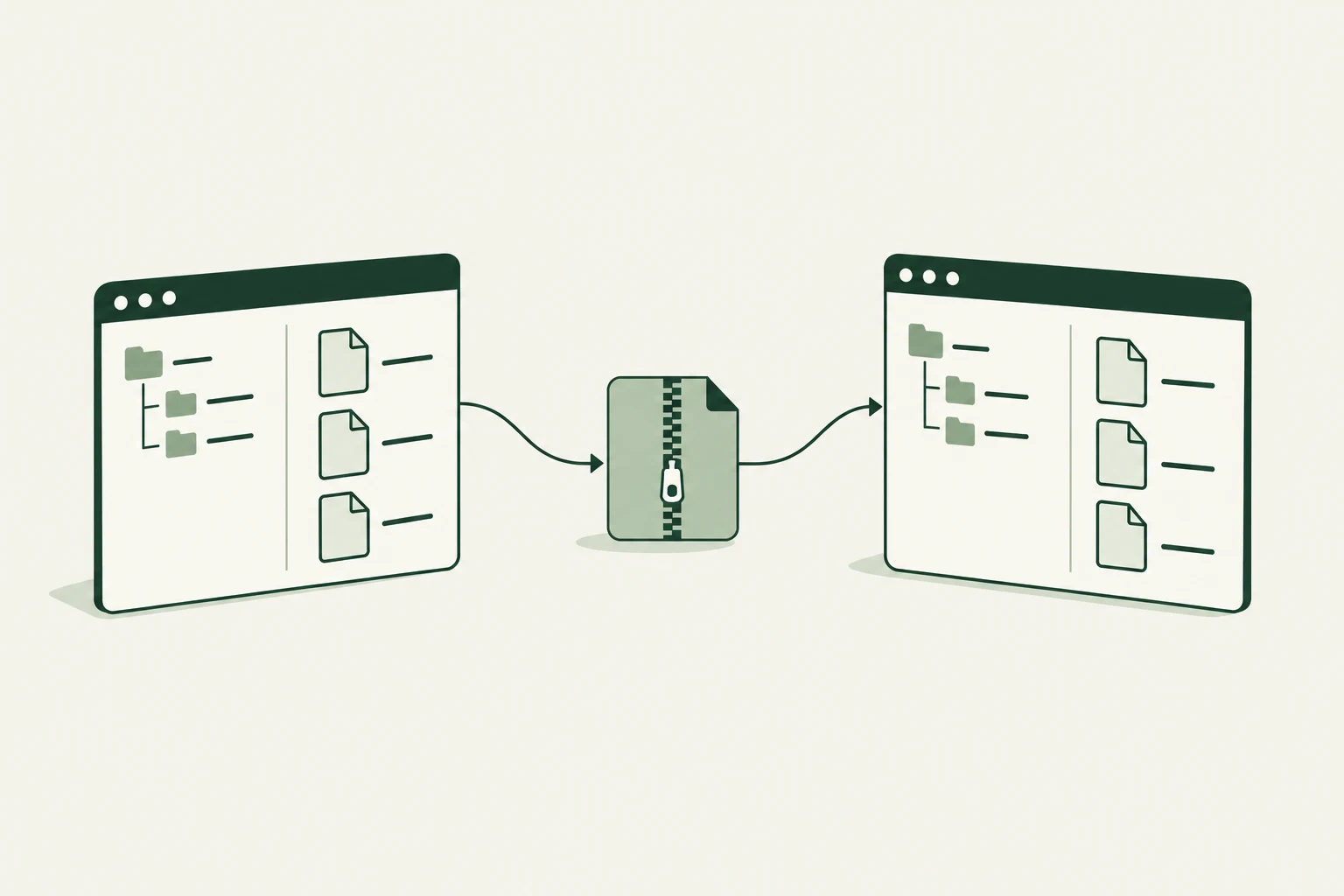
Working with PGlite? Export and import its native database archives
Why OPFS VFS
Store many files without opening a native handle for each one. OPFS VFS manages the volume layout and gives your application synchronous file access inside a worker.
Why we built OPFS VFS →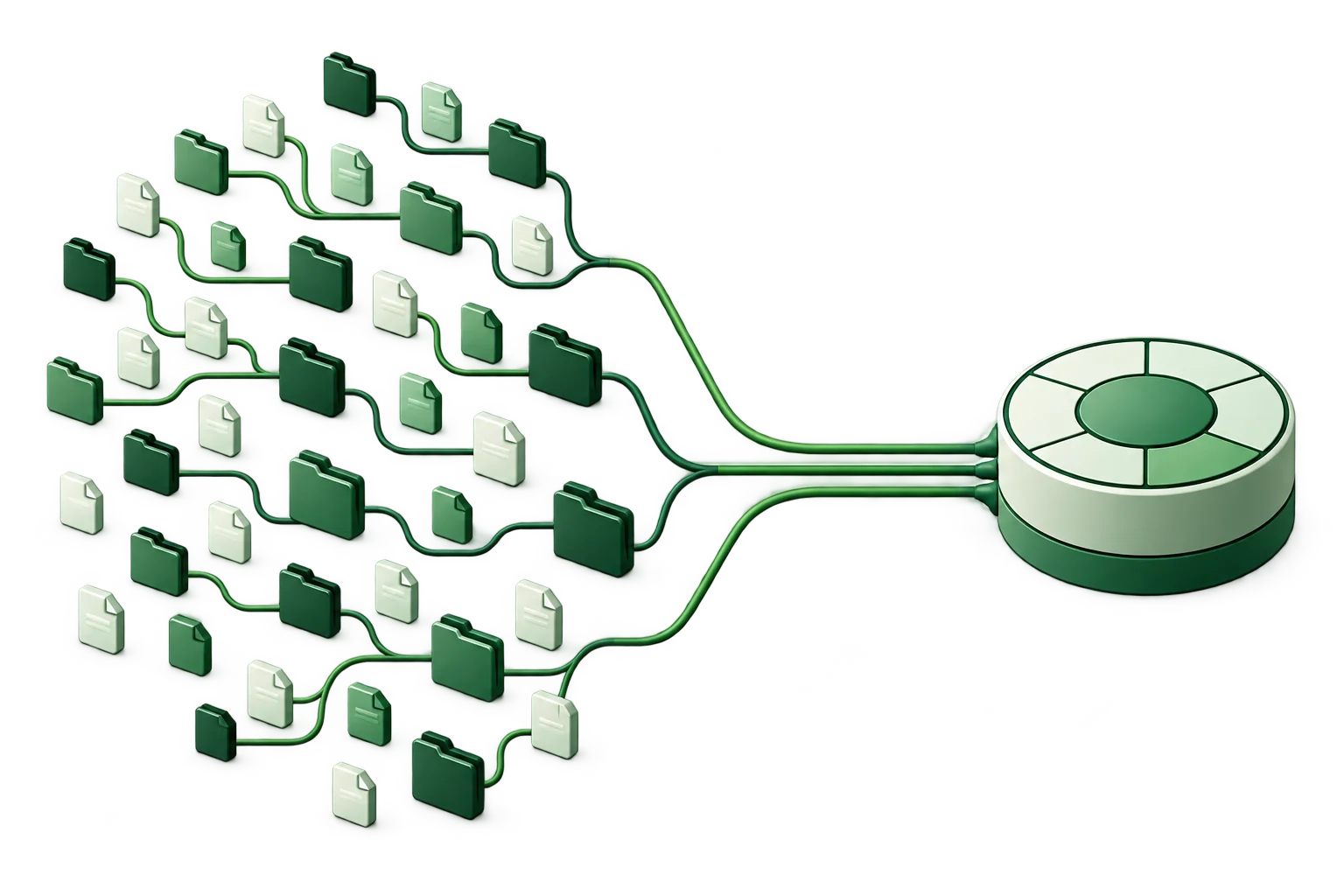
Privacy-sensitive applications
Build document tools, local databases, and on-device AI workflows that process files in the browser. OPFS VFS stores those files locally, so your app can work with them without uploading their contents to a server.
Files as app state
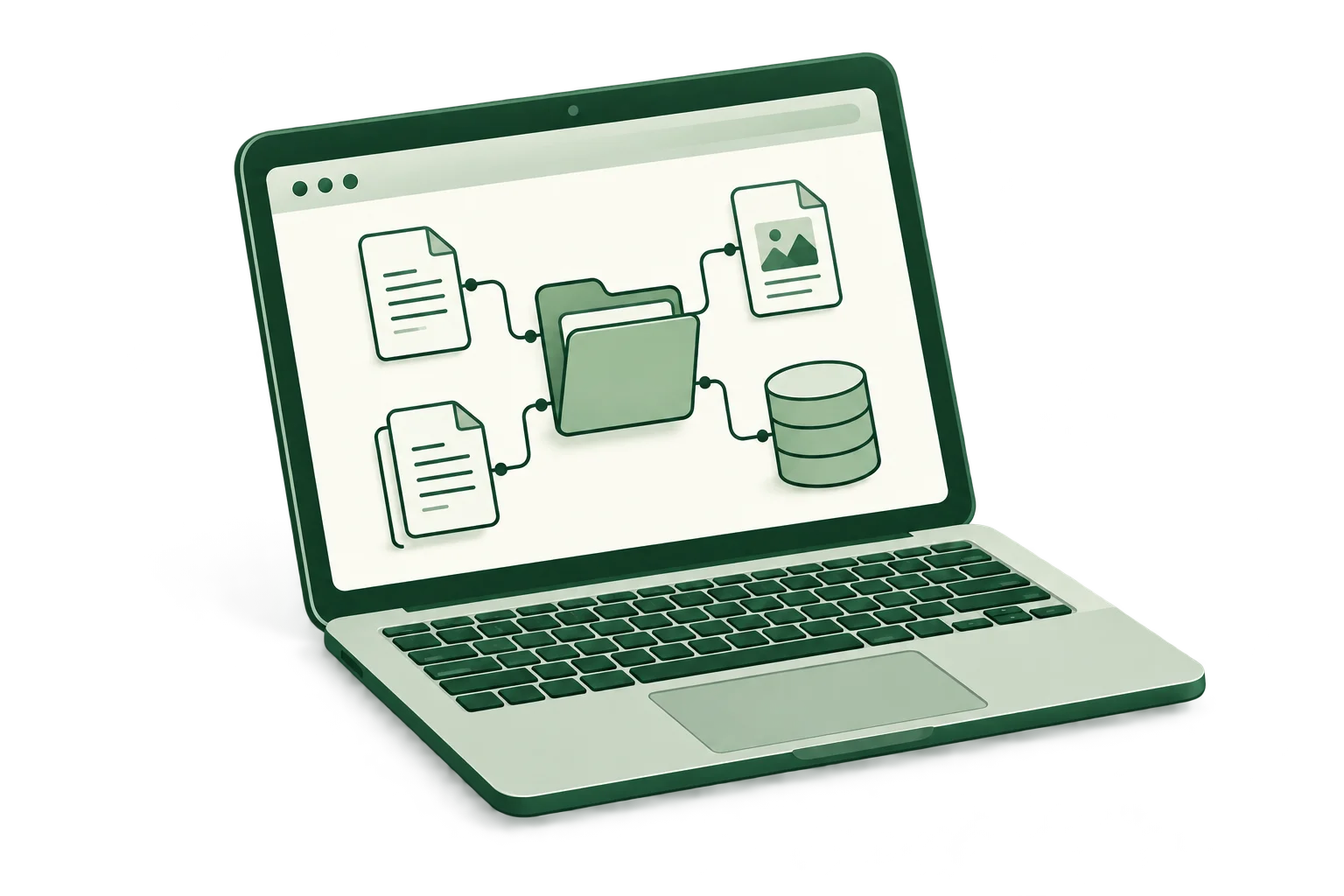
If your app works with documents, keep files as its source of truth. Subscribe to changes, reread affected paths, and update the UI. You may not need a separate local database or global state store.
Explore file subscriptions →/workspace/notes.mdPlugins
Use file subscriptions to refresh your UI when files change. Add encrypted local storage when files need protection. Build a custom plugin for different storage or change behavior.
Available Community
Receive file change events across tabs using the same volume and origin. Reread affected paths to refresh your UI.
Use subscriptionsAvailable Premium
Protect files stored on the device with encrypted volumes and passkey-based access. Available under separate premium terms.
About encryptionBrowser support
OPFS VFS uses the origin-private file system and synchronous file access in a dedicated worker. These browsers provide the required APIs from the versions shown.
| Browser | Minimum API version |
|---|---|
 Chrome | 108+Desktop · Android 109+ |
 Edge | 108+Desktop |
 Firefox | 111+Desktop & Android |
 Safari | 16.4+macOS, iOS & iPadOS |
Version numbers reflect browser API availability, not a test guarantee for every release. Use HTTPS or localhost; the worker client also needs cross-origin isolation. Browser setup →
Benchmarks
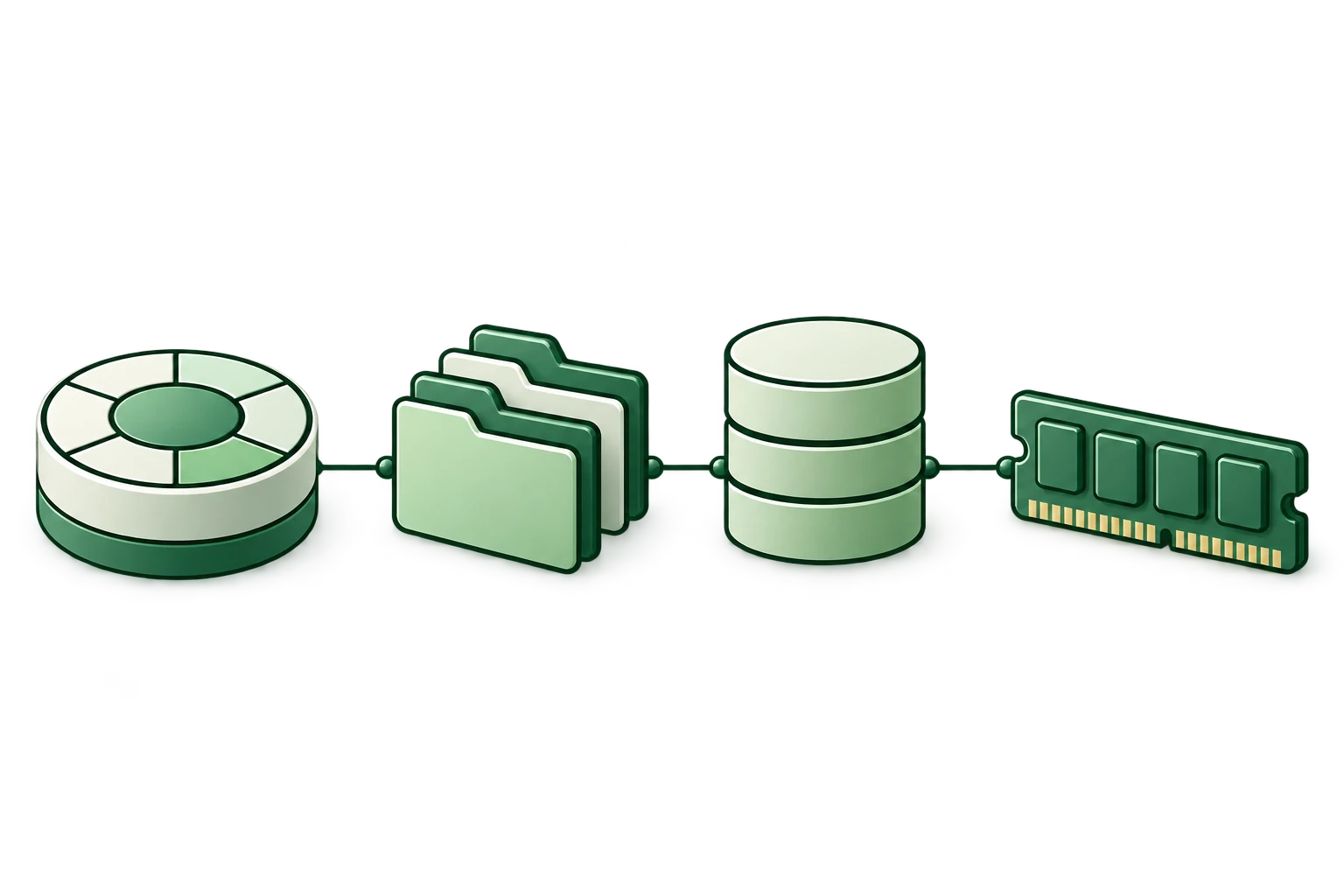
Compare OPFS VFS with PGlite's OPFS AHP, IndexedDB, and memory-only backends. See the measured results, settings, and raw samples, or run the workloads on your device.
 Benchmark overview →
Start a conversation
Tell us about it. We’d love to hear what you’re making with OPFS VFS.